Retro Charm for Modern Projects: Using Senior Canva Frame Templates
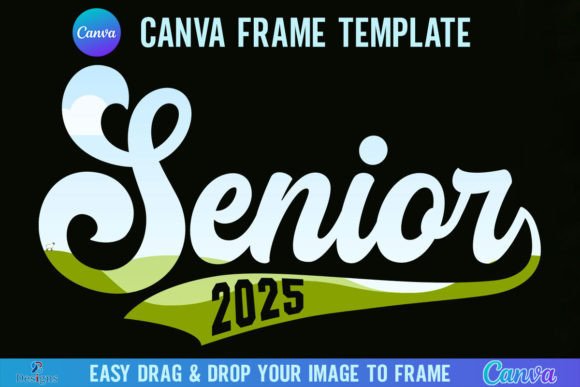
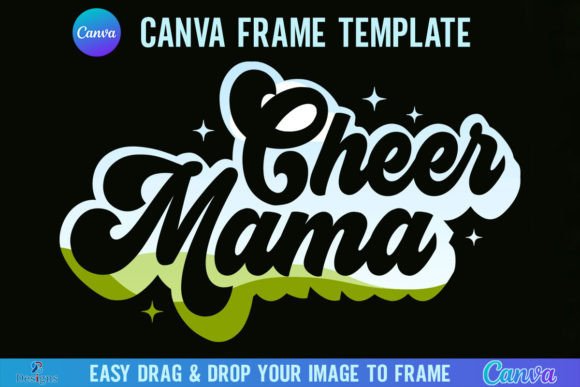
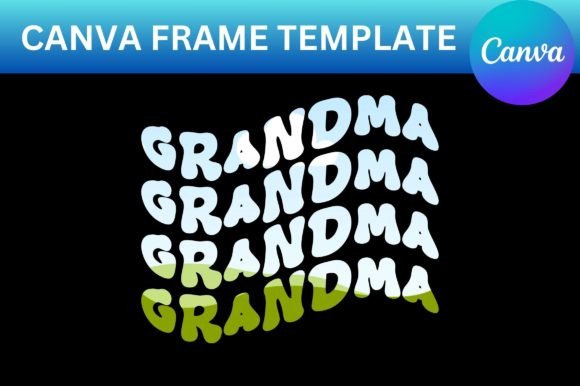
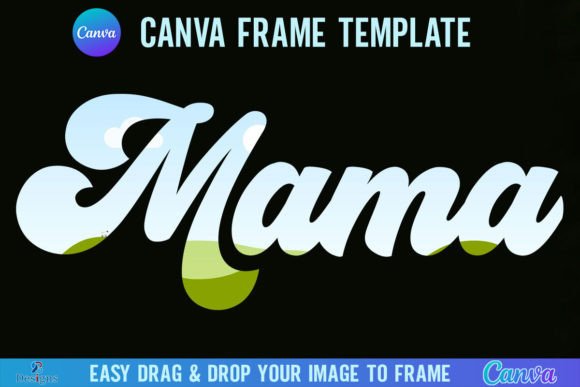
Sometimes a design needs more than just a good photo; it needs a story. You have a fantastic image, but the standard rectangular crop feels flat and uninspired. You want to add character, a touch of nostalgia, or a specific vintage vibe without spending hours in complex software. This is where a well-crafted frame template changes the game. The Senior Canva Frame Template Retro offers a straightforward solution, providing two distinct retro-style frames designed for immediate use within Canva's free editor.
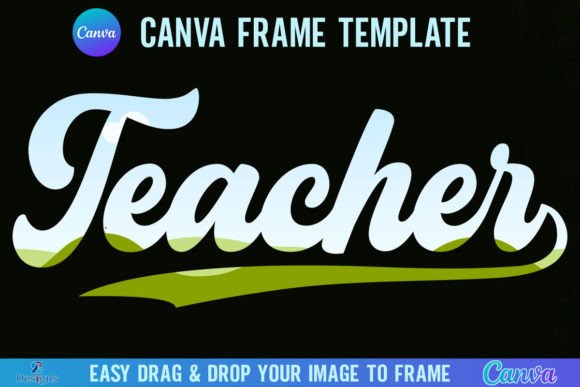
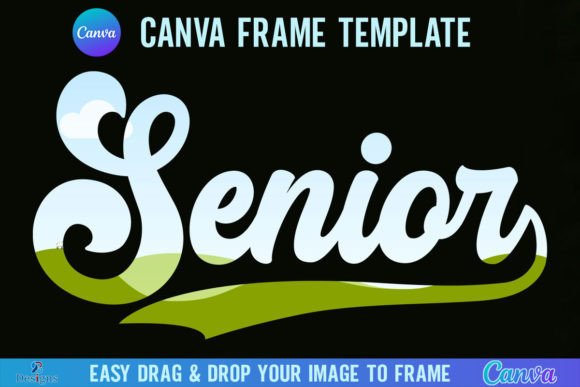
This digital product delivers practical value. You receive one ZIP file containing a PDF with a direct link. Clicking that link opens two specific Canva frame templates directly in your account. The templates are pre-set to a generous 4000x4000 pixel canvas, making them suitable for high-resolution projects. One template is grouped for easy manipulation as a single unit, while the other is ungrouped, allowing for more granular control over individual frame elements. The core function is simple: drag and drop any PNG or JPG background image into the frame shape to fill it perfectly.
Understanding the Retro Aesthetic and Its Appeal
The "retro" style in these frames evokes a specific visual personality. Think of worn paper edges, subtle texture overlays, or shapes reminiscent of old film negatives and vintage postcards. This style carries an inherent warmth and authenticity. It feels handmade and personal, which can be a powerful contrast to the sleek, often sterile digital aesthetics we see everywhere. For a brand identity targeting a niche market—like a boutique coffee roaster, a vinyl record shop, or a handmade goods seller—this retro frame can instantly communicate values of craftsmanship, history, and quality.
The appeal lies in its ability to create an emotional connection. A retro frame doesn't just contain an image; it contextualizes it. A family portrait framed this way feels like a treasured heirloom. A product shot gains a "heritage" quality, suggesting time-tested reliability. This is the power of thoughtful design assets; they do more than decorate—they help tell a story. As a creative font or frame, it’s not about being the loudest element but about setting the right tone for the content it holds.
Practical Applications for Designers and Creators
Where does this retro frame template work best? Its versatility is a key strength. Consider these real-world uses:
- Social Media Graphics: Create standout Instagram posts, Facebook banners, or Pinterest pins. A retro frame around a quote graphic or a promotional image can increase stop-scrolling appeal and boost engagement.
- Digital Invitations & Stationery: Design save-the-dates, wedding invitations, or event flyers with a vintage flair. The large canvas size ensures crisp printing.
- Blog Post Featured Images: Give your articles a consistent, branded look. A series of blog posts on historical topics, recipes, or travel diaries can be unified with this retro frame style.
- Small Business Branding: Use the framed images for website hero sections, "About Us" page photos, or to create cohesive product mockups that stand out from competitors using generic templates.
- Personal Projects: Craft unique photo books, family newsletters, or personalized gifts. The template makes it easy to create something that feels custom-made without advanced skills.
The process respects your time. Since it's a native Canva template, there's no software to learn. You're working within a familiar interface. For entrepreneurs and small business owners, this means you can maintain a professional, consistent visual style across your marketing materials without the overhead of hiring a designer for every single graphic.
Making It Work: Practical Guidance and Considerations
Getting the most out of the Senior Canva Frame Template Retro involves a few practical steps. First, choose your background image wisely. High-contrast images with clear subjects work best. A busy, detailed photo might get lost within the ornate details of a retro frame. Test your image in both the grouped and ungrouped versions of the template. The grouped version is faster for layout; the ungrouped version lets you adjust the frame's color or individual components if needed.
Think about font pairing if you're adding text. The retro frame has a strong personality, so the typography you choose needs to complement it, not compete. A clean, modern sans serif font can create a beautiful contrast, making the text highly readable against the vintage frame. Alternatively, a subtle script font or handwritten font can lean into the nostalgic feel. Avoid overly ornate or display fonts that could make the overall design feel cluttered.
A critical note on usage: this is a digital product for use within Canva. To download your final design with a transparent background, a Canva Pro subscription is required. The templates are not SVG files and are not designed for cutting machines like Cricut or Silhouette. This is important for crafters to understand—it's a digital design tool, not a physical craft file.
Evaluate the frame's fit for your project's visual hierarchy. Does the retro style support your message or distract from it? For a tech startup, it might be mismatched. For a vintage clothing brand, it's perfect. Always consider your audience's expectations and your brand's core personality. The goal is for the frame to enhance recognition and professionalism, not to feel like a gimmick.
Ultimately, the Senior Canva Frame Template Retro is a specialized tool in your design assets toolkit. It solves a specific problem: adding curated, high-quality retro framing quickly and affordably. It’s not a replacement for a full premium font library or comprehensive editorial design